Odoo Integration
Odoo integration allows you to sync your contacts and companies with your Odoo CRM (res.partner model).
Features
- Automatic Contact Creation: Scanned contacts are automatically created in Odoo as res.partner (is_company=False)
- Company Sync: Companies are synced as res.partner (is_company=True)
- Contact-Company Link: Contacts are linked to their company via parent_id
Create Your Odoo API Key
Before connecting LetsLigo to Odoo, you need to create an API key:
- Log in to your Odoo instance (odoo.com or self-hosted)
- Go to Preferences (or My Profile) → Account Security
- Click New API Key
- Enter a description (e.g. "LetsLigo - Workspace X")
- Generate and copy the key (it will not be shown again)
See the Odoo External API documentation for more details.
How to Connect in LetsLigo
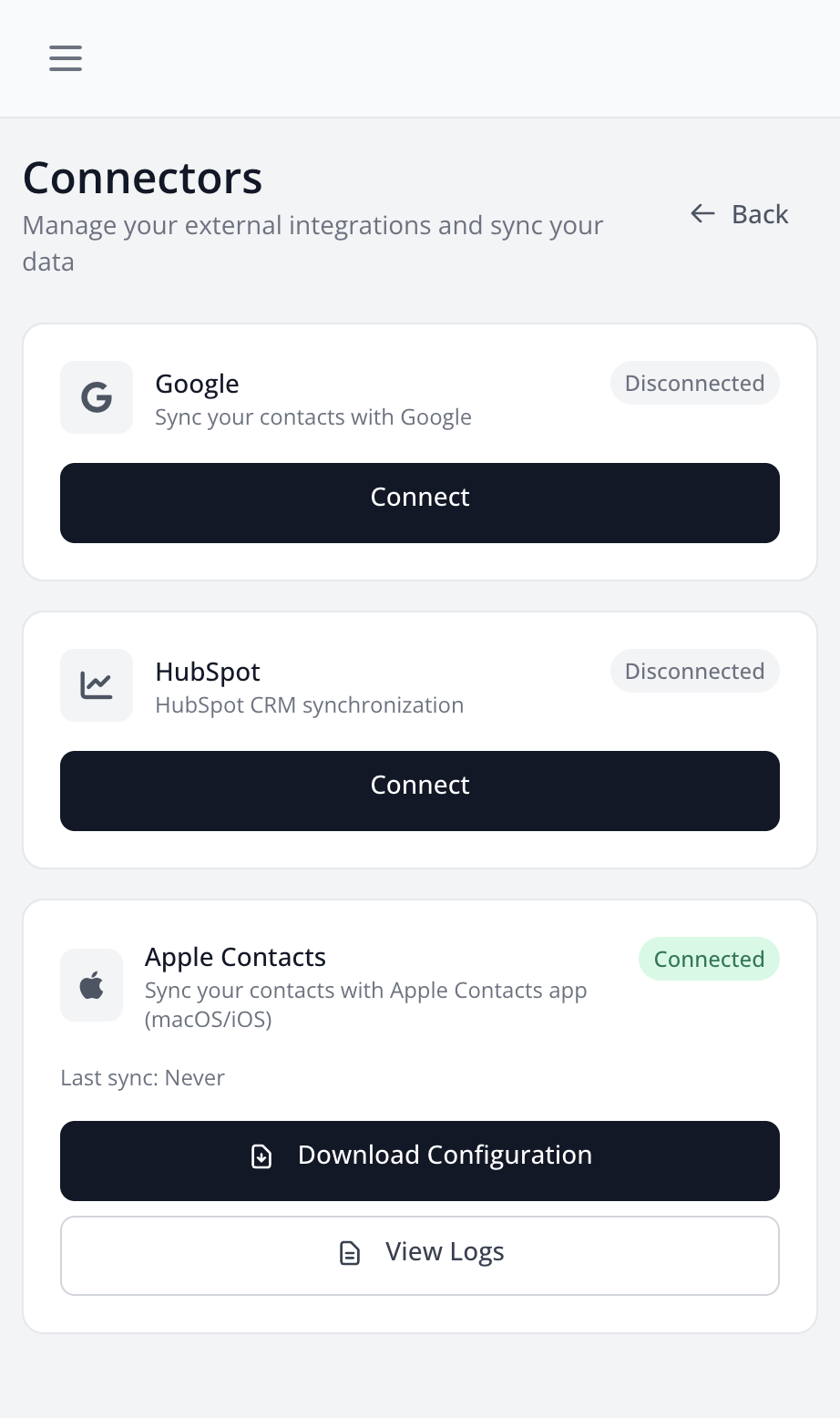
- Go to Settings > Connectors
- Find the "Odoo" section
- Click on "Connect"
- Fill in the form:
- URL: Your Odoo instance URL (e.g. https://mycompany.odoo.com)
- Database: Database name (e.g. mycompany for .odoo.com)
- Username: Your Odoo login email
- API Key: The key you created above
- Click "Connect" to validate the connection
Synchronized Data
The following data is synchronized to Odoo res.partner:
- Name, email, phone, website
- Address (street, city, zip)
- Company (as parent partner with is_company=True)
- Position (in comment field)
Note: The Odoo External API is only available on Custom plans (Odoo Online). Free and Standard plans do not have API access.