HubSpot Integration
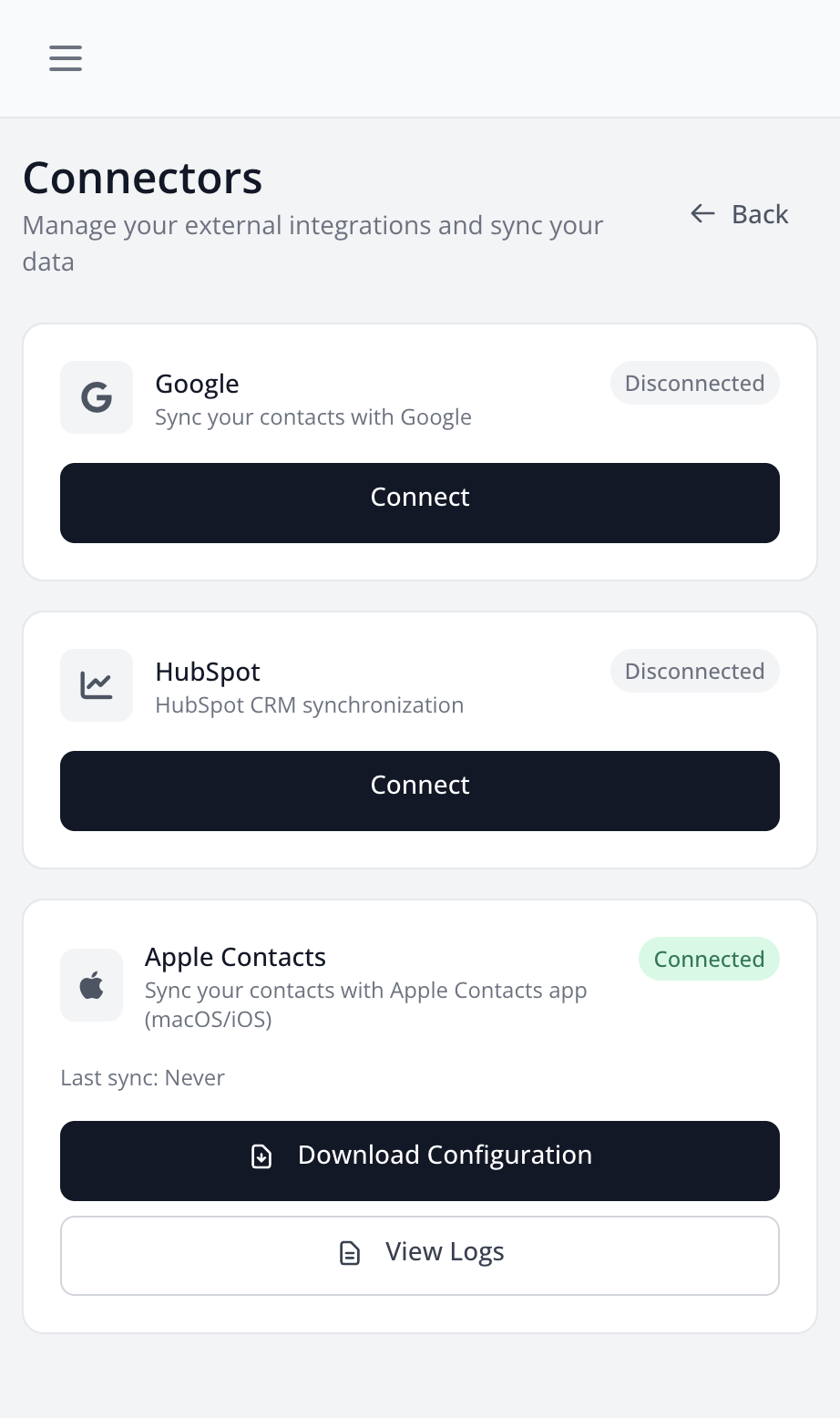
HubSpot integration allows you to sync your contacts with your HubSpot CRM.
Features
- Automatic Contact Creation: Scanned contacts are automatically created in HubSpot
- Automatic Updates: Modifications in LetsLigo are synced to HubSpot
- Bidirectional Sync: Data is synchronized in both directions
How to Connect
- Go to Settings > Connectors
- Find the "HubSpot" section
- Click on "Connect"
- Log in to your HubSpot account
- Authorize LetsLigo to access your HubSpot account
- Connection is established
Synchronization
Once connected:
- Each new scanned contact will be automatically created in HubSpot
- Modifications made to contacts in LetsLigo will be synchronized
- You can manually sync all your existing contacts
Synchronized Data
The following data is synchronized:
- First and last name
- Phone
- Company
- Position
- Website
- Location
- Tags
- Notes