LinkedIn connector
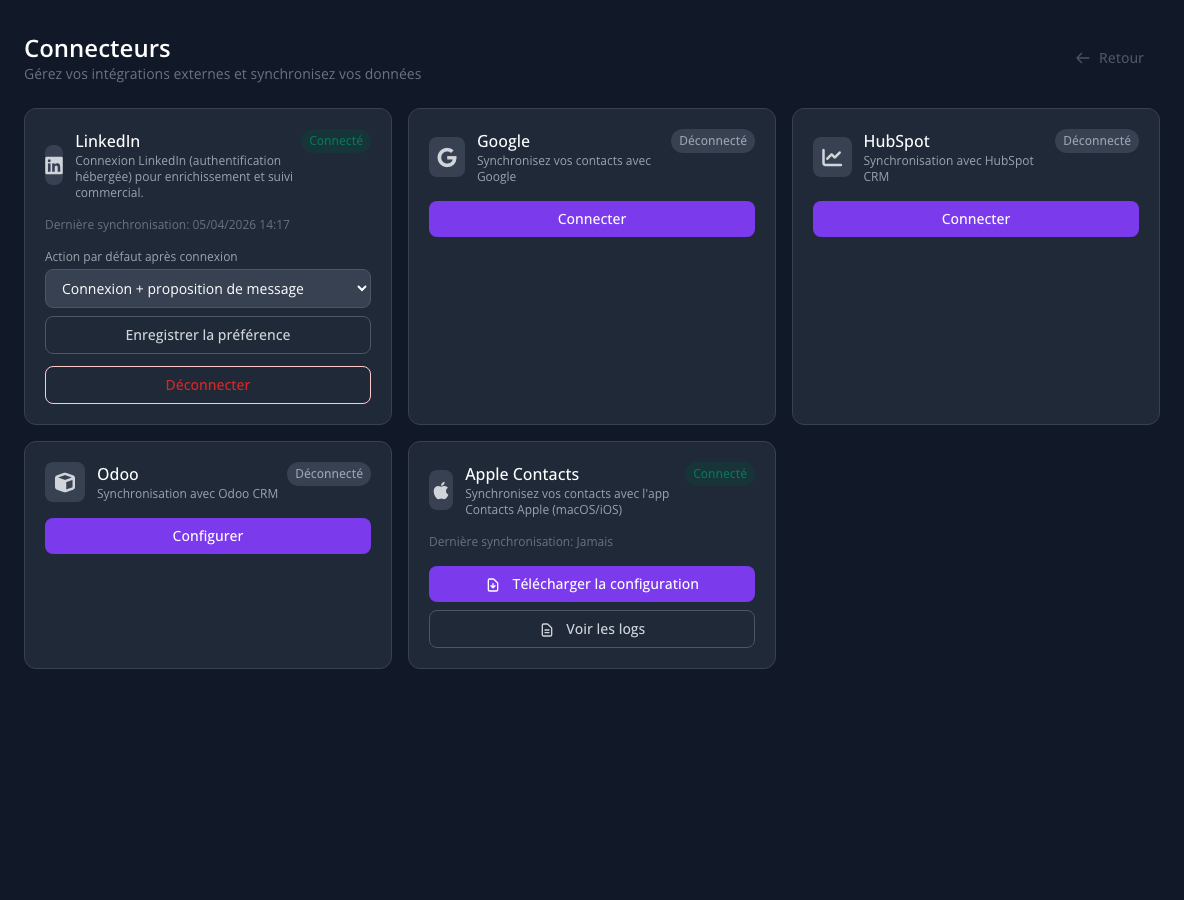
The connector links LinkedIn to your LetsLigo workspace: profile search, invitations from the assistant, scan enrichment — and ongoing follow-up for connected relationships (prudent re-sync, change detection, validation and recontact tasks). Full access requires the Pro plan.
What it enables
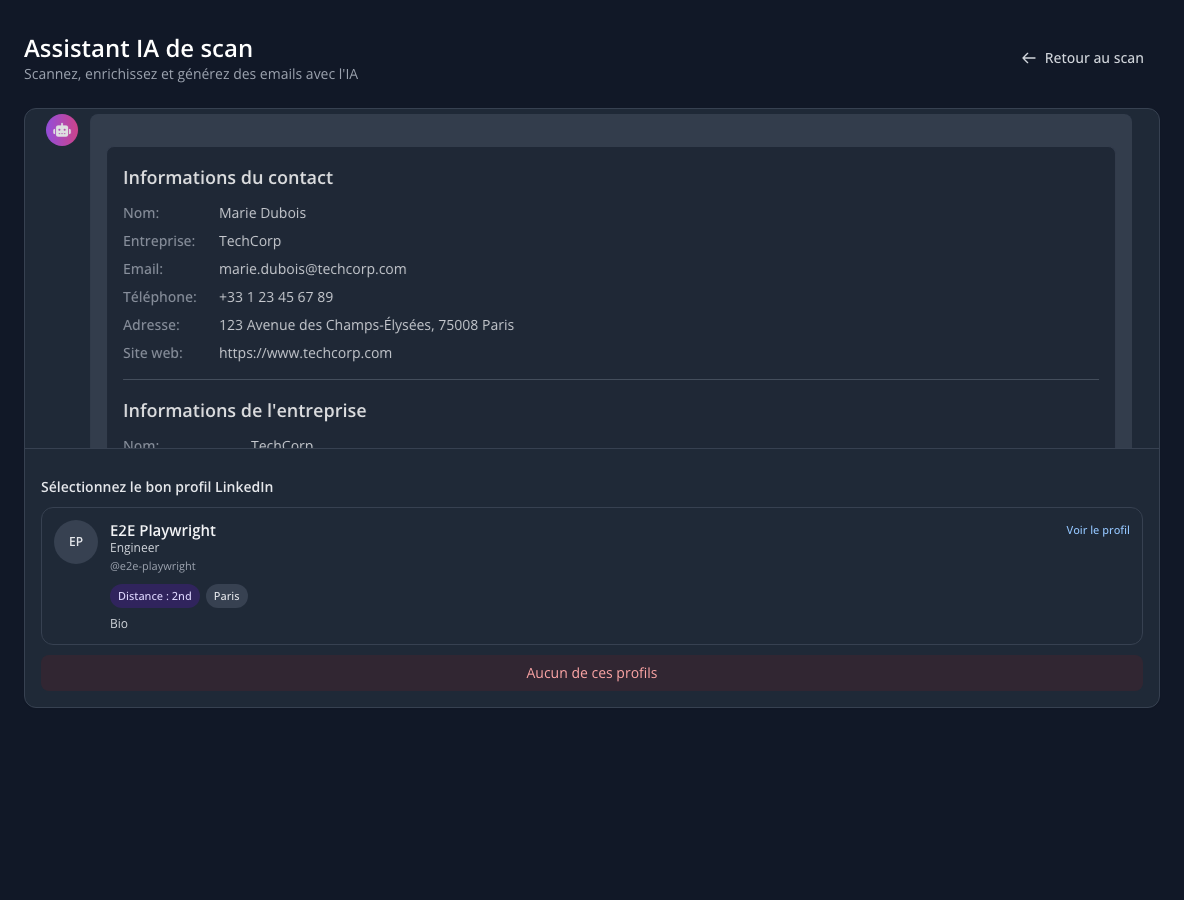
- Profile search: plausible profiles from contact details; you pick the match.
- Contact record: chosen profile stored for consistent follow-up.
- Connection requests: personalized note or no note, from the assistant.
- Scan & QR: if the URL is LinkedIn, fetch the profile to enrich the record (visible email/phone when missing).
- New relationships: suggestions to create, merge, or ignore a contact.
- Follow-up over time: for connected relationships, periodic re-sync within technical limits (rate limits, spacing). Detects job/company drift vs CRM, logs history, stores activity signals (e.g. last post) when available, and creates tasks to validate CRM updates and suggest recontact.
Without an active connector or Pro eligibility, search, API enrichment, and relationship follow-up are unavailable; the app may ask you to reconnect.
Connecting your account
- Open Settings > Connectors.
- Find LinkedIn and click Connect.
- Complete the secure sign-in flow, then return to LetsLigo.
- The connection may appear immediately or after a few seconds.
Preferences
- Connection only: no automatic note.
- Connection + suggested message: draft you can edit before sending.
In the assistant
Pick a profile, optional invitation, confirm before sending. LinkedIn limits still apply.
Relationship suggestions
When new relationships are detected: create, merge, or ignore.
CRM update after detection
If LinkedIn job or company differs from CRM, a validation task asks you to confirm before the record and company are updated. A recontact task may suggest a contextual message. This is not a fully silent automatic update.
Disconnect
From Settings > Connectors, disconnecting removes the link for this workspace. Data already on contacts may remain.
Use this feature in line with LinkedIn’s User Agreement and responsible outreach.