Google Integration
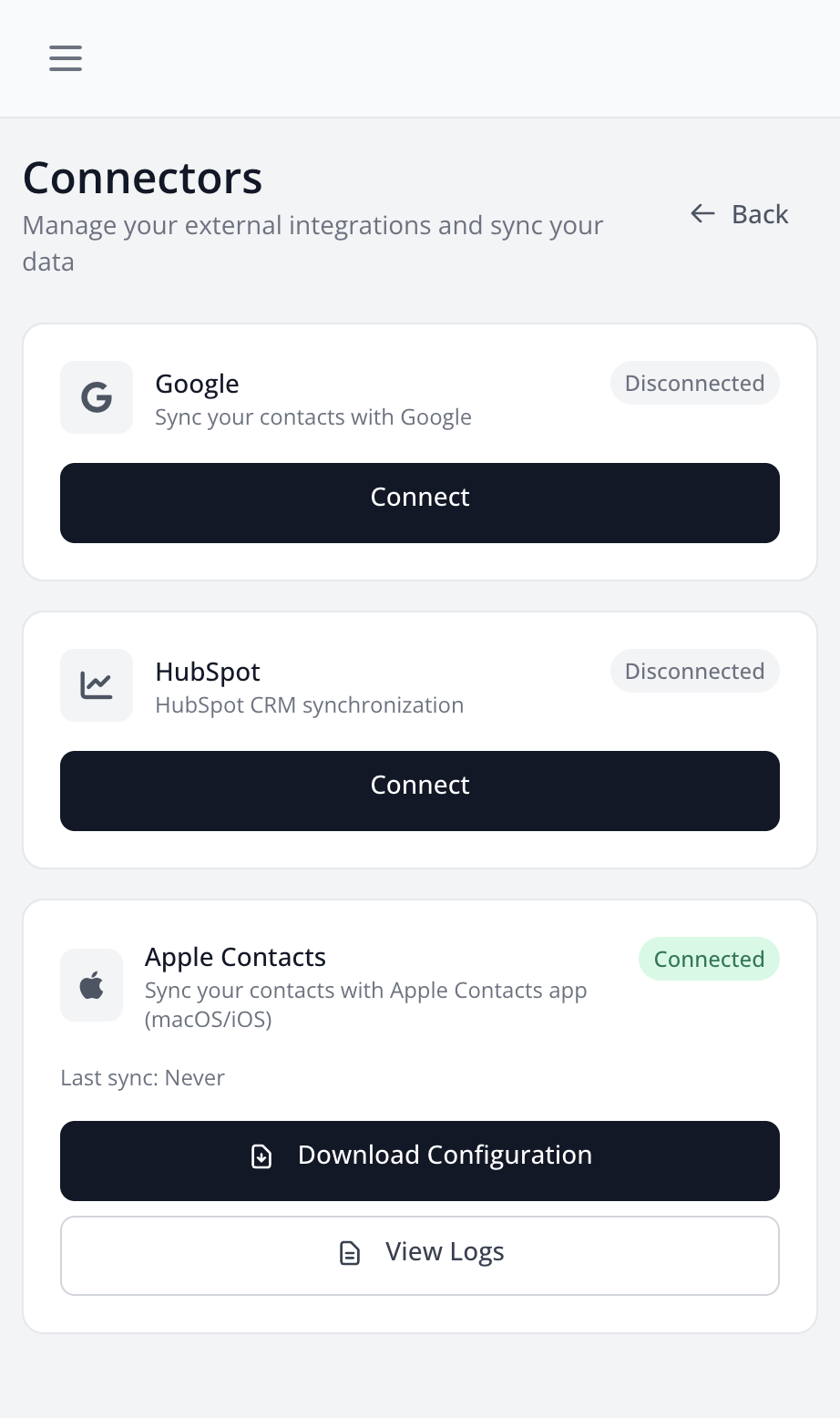
Google integration allows you to sync your contacts with Google Contacts and Google Sheets.
Features
- Sync with Google Contacts: Your LetsLigo contacts are synced with Google Contacts
- Google Sheets: Automatically create a Google Sheets spreadsheet with your contacts
- Google Docs: Create Google Docs documents for each contact
How to Connect
- Go to Settings > Connectors
- Find the "Google" section
- Click on "Connect"
- Authorize LetsLigo to access your Google data
- Connection is established
Synchronization
Once connected, you can:
- Automatically sync all your contacts to Google Contacts
- Create a Google Sheets spreadsheet with all your contacts
- New scanned contacts will be automatically added to Google
Disconnect
You can disconnect Google at any time from settings. This will stop automatic synchronization, but will not delete already synced data.