Apple Contacts Synchronization
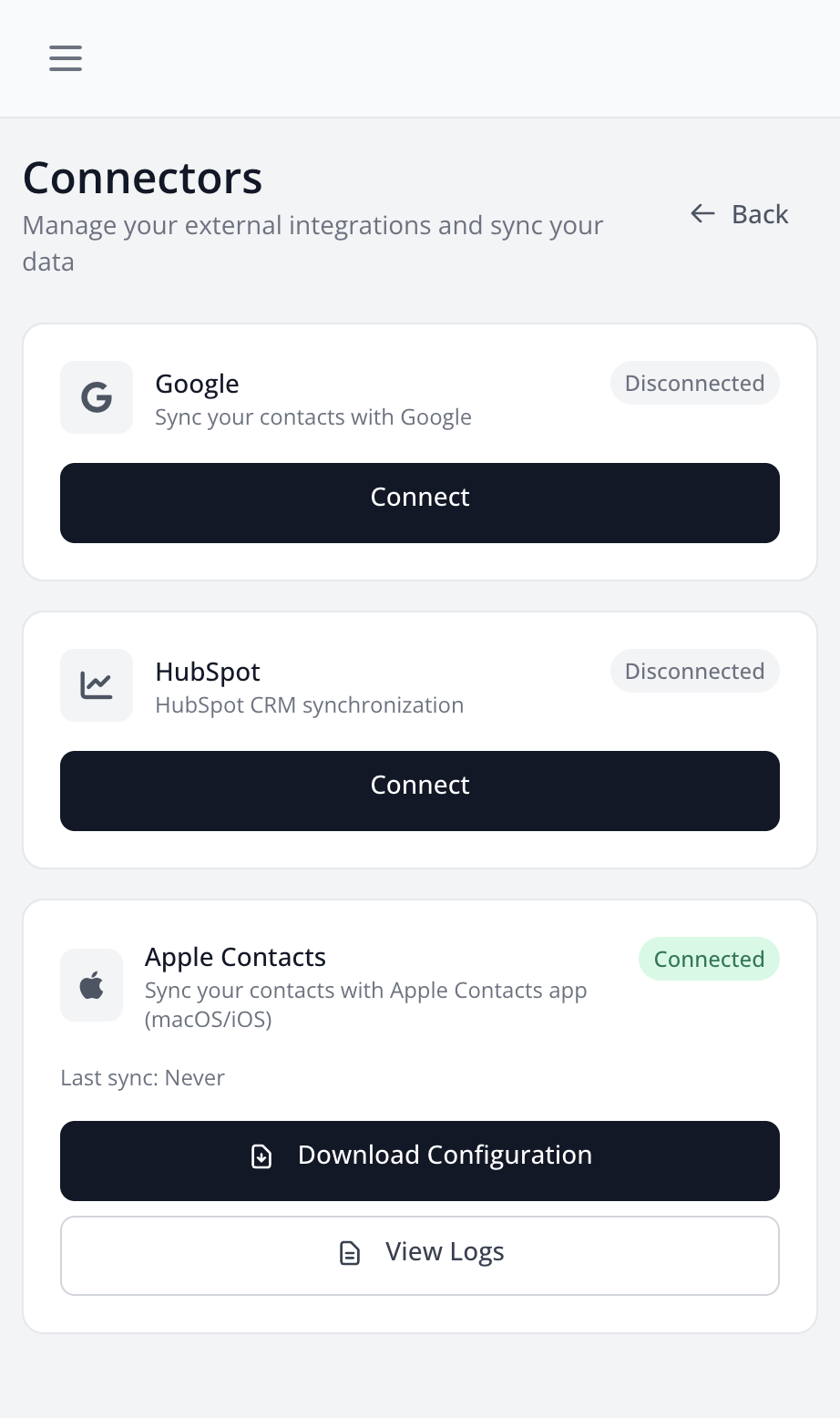
Apple Contacts synchronization allows you to access your LetsLigo contacts directly from the Contacts app on macOS and iOS.
Features
- Access from Contacts: Your LetsLigo contacts appear in the Contacts app
- Automatic Sync: Contacts are automatically synchronized via CardDAV
- macOS and iOS Compatible: Works on Mac, iPhone and iPad
Configuration on Mac
- Go to Settings > Connectors > Apple Contacts
- Click on "Download Configuration"
- Open the downloaded file
- Follow the instructions to add the account in System Settings
- Your LetsLigo contacts will appear in the Contacts app
Configuration on iPhone/iPad
- Go to Settings > Connectors > Apple Contacts
- Click on "Download Configuration"
- Send the file to your iPhone/iPad (by email, AirDrop, etc.)
- Open the file on your device
- Install the configuration profile
- Your LetsLigo contacts will appear in the Contacts app
Sync Logs
You can view sync logs to see the CardDAV request history and diagnose any issues.
Development Mode
For local development, you can use HTTP instead of HTTPS. See the instructions in settings for more details.