Profile Settings
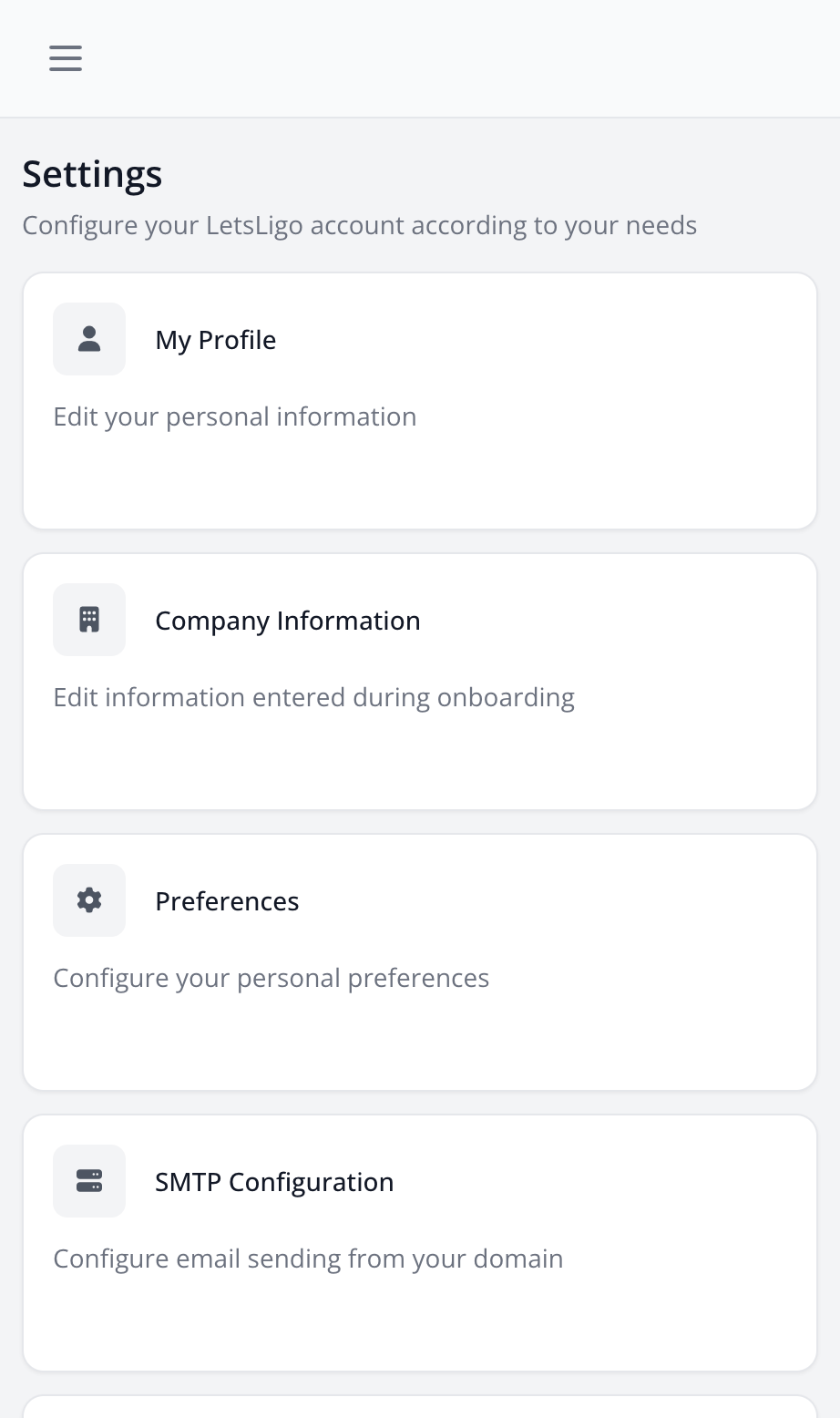
Profile settings allow you to manage your personal information.
Editable Information
- First and Last Name: Your name
- Email: Your email address (used for login)
- Password: Change your password to secure your account
Edit Your Profile
- Go to Settings > My Profile
- Modify the desired fields
- Click on "Save"
Security
To change your password:
- Go to Settings > Security
- Enter your current password
- Enter your new password
- Confirm the new password
- Click on "Update Password"
Account Information
On the profile page, you can see:
- Your email verification status
- Your account creation date
- Last profile update