AI Scan Assistant
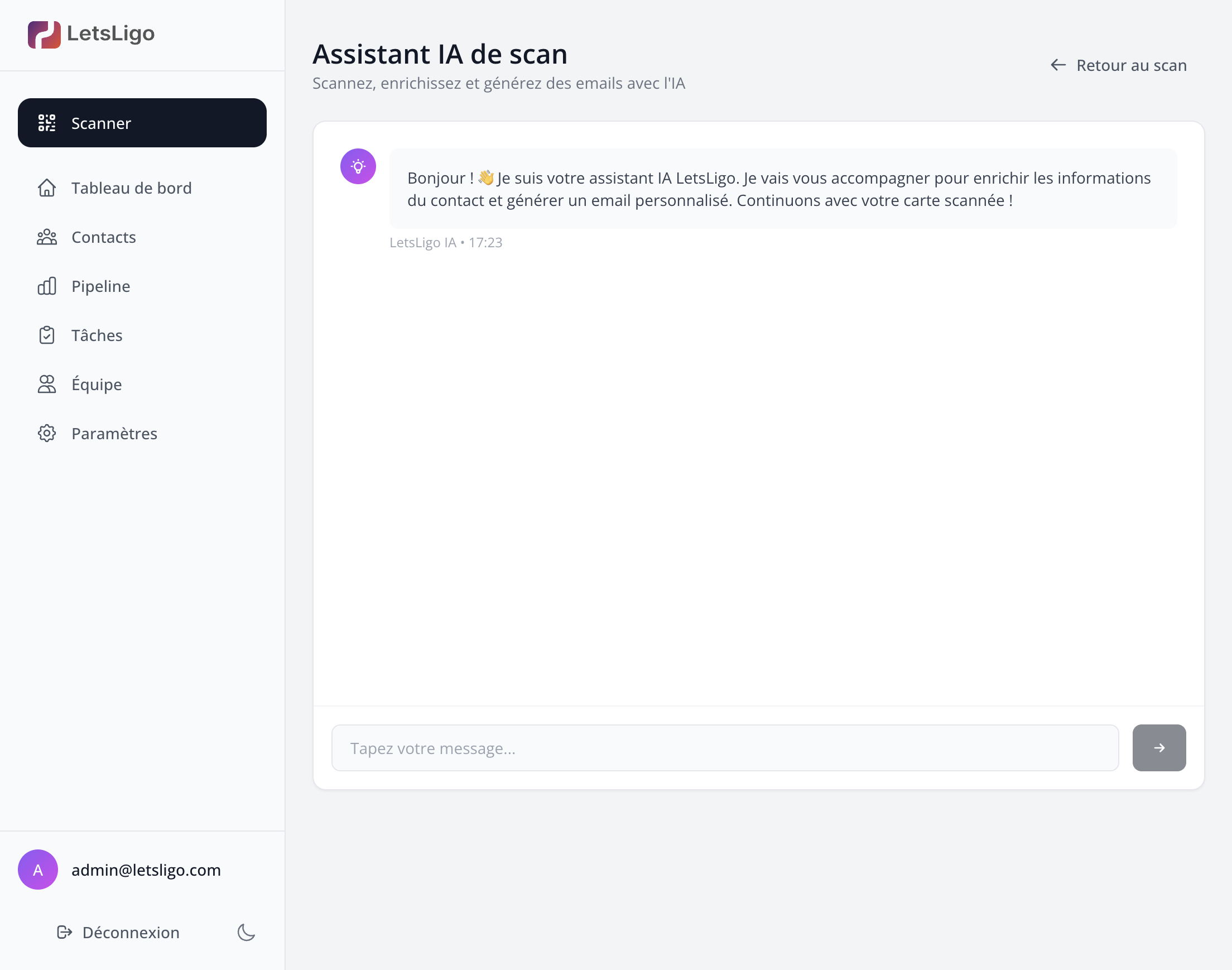
The Chat Wizard is a conversational assistant that guides you through the entire process of scanning, enriching, and generating emails.
Prerequisites
Before scanning, make sure you have configured at least one connector (Google Contacts, HubSpot, Odoo or Apple Contacts) in Settings > Connectors. Without a configured connector, you will not be able to access the scan form.
Features
- Guided Scanning: The assistant helps you scan your card
- Data Verification: You can correct extracted information
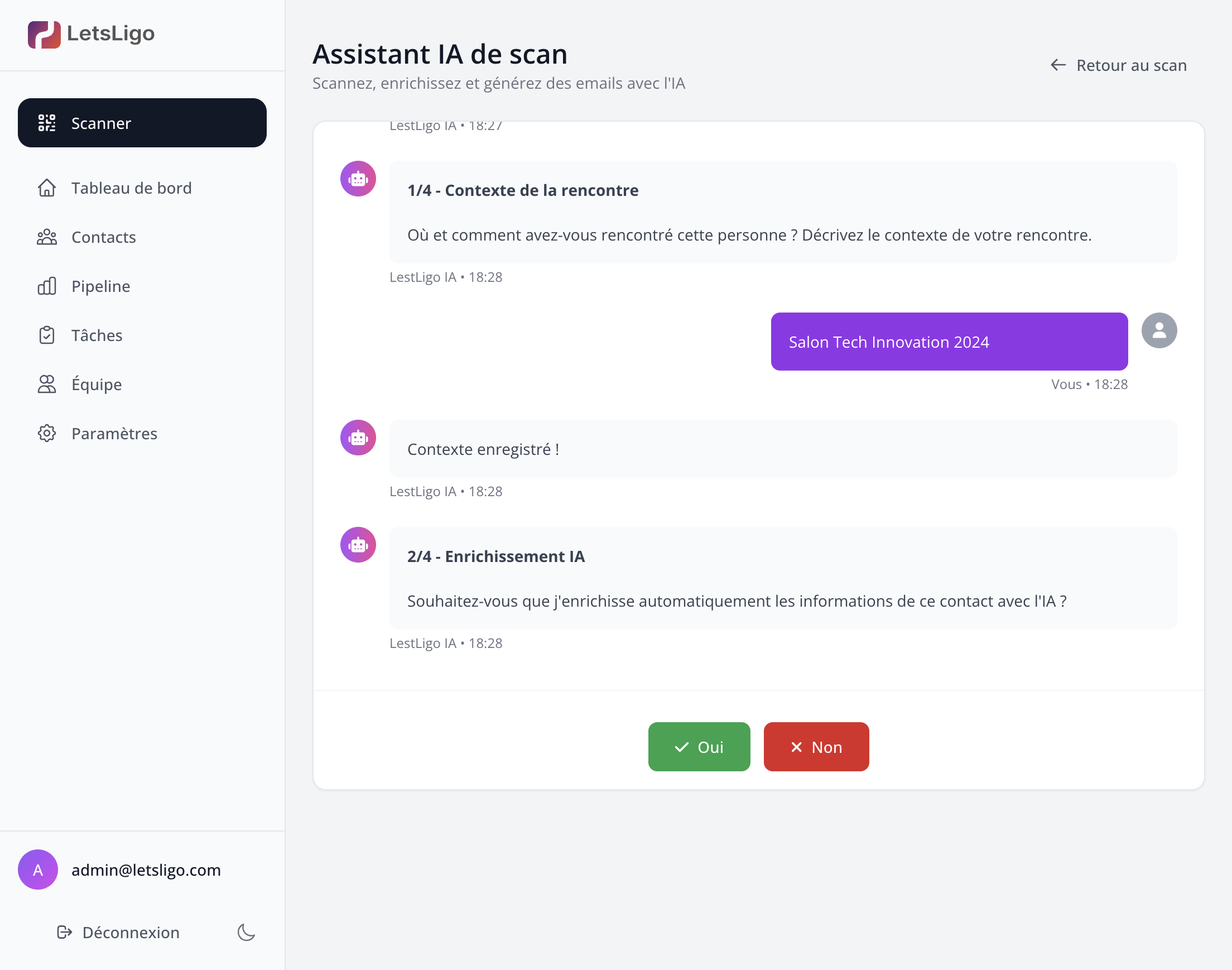
- Context Addition: Describe where and how you met the person
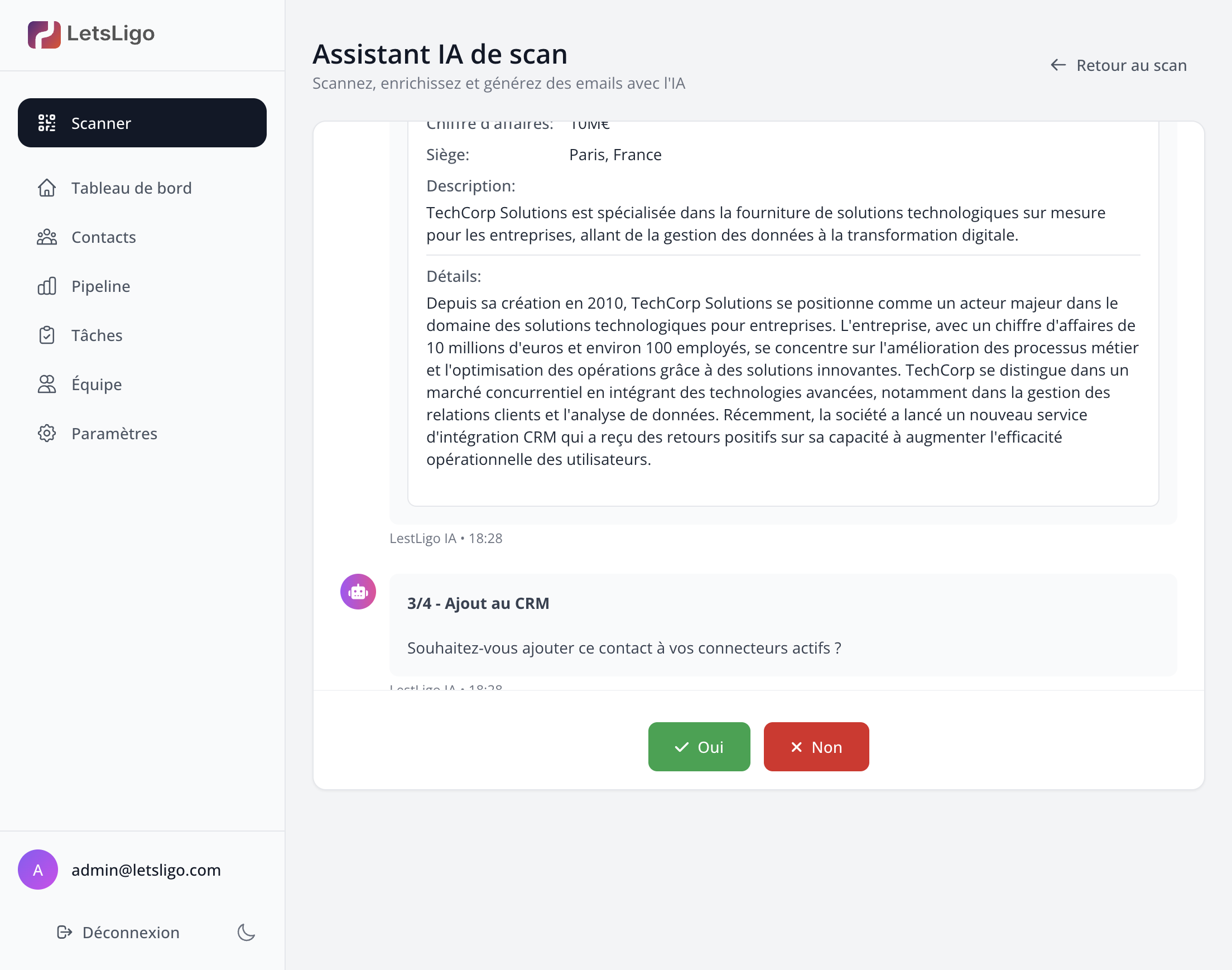
- AI Enrichment: The assistant automatically enriches the contact with complementary data
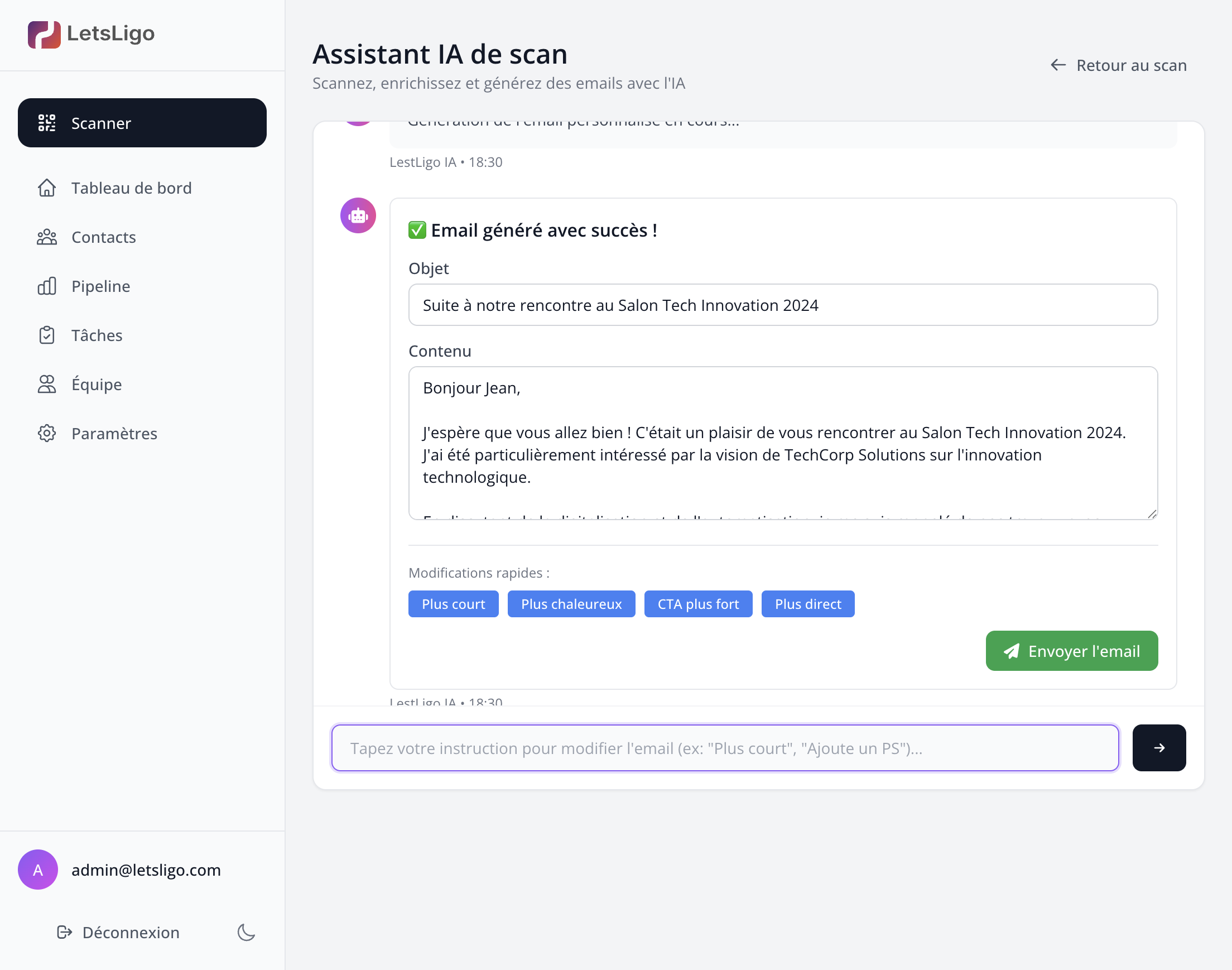
- Email Generation: Create a personalized email in a few clicks
How to Use It?
- Access the "Scan" section
- The Chat Wizard opens automatically
- Follow the assistant's instructions
- Answer questions or use quick suggestions
- The assistant guides you until the end of the process
Step-by-step process
1. Conversation with the assistant
The assistant starts a conversation to guide you through the process. You can interact naturally with it.
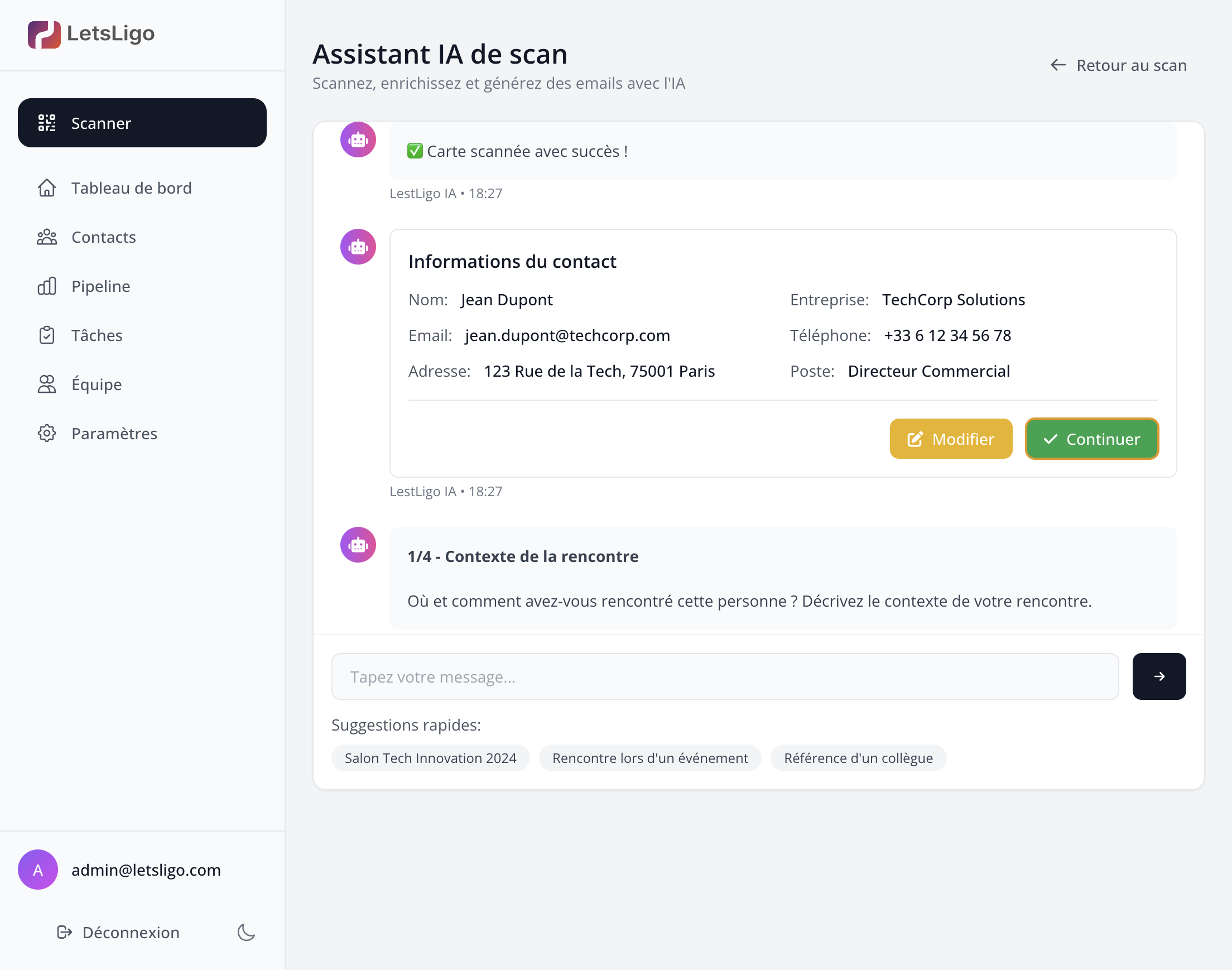
2. Scanned card
Once the card is scanned, the assistant displays the extracted data and allows you to verify and correct it if necessary.
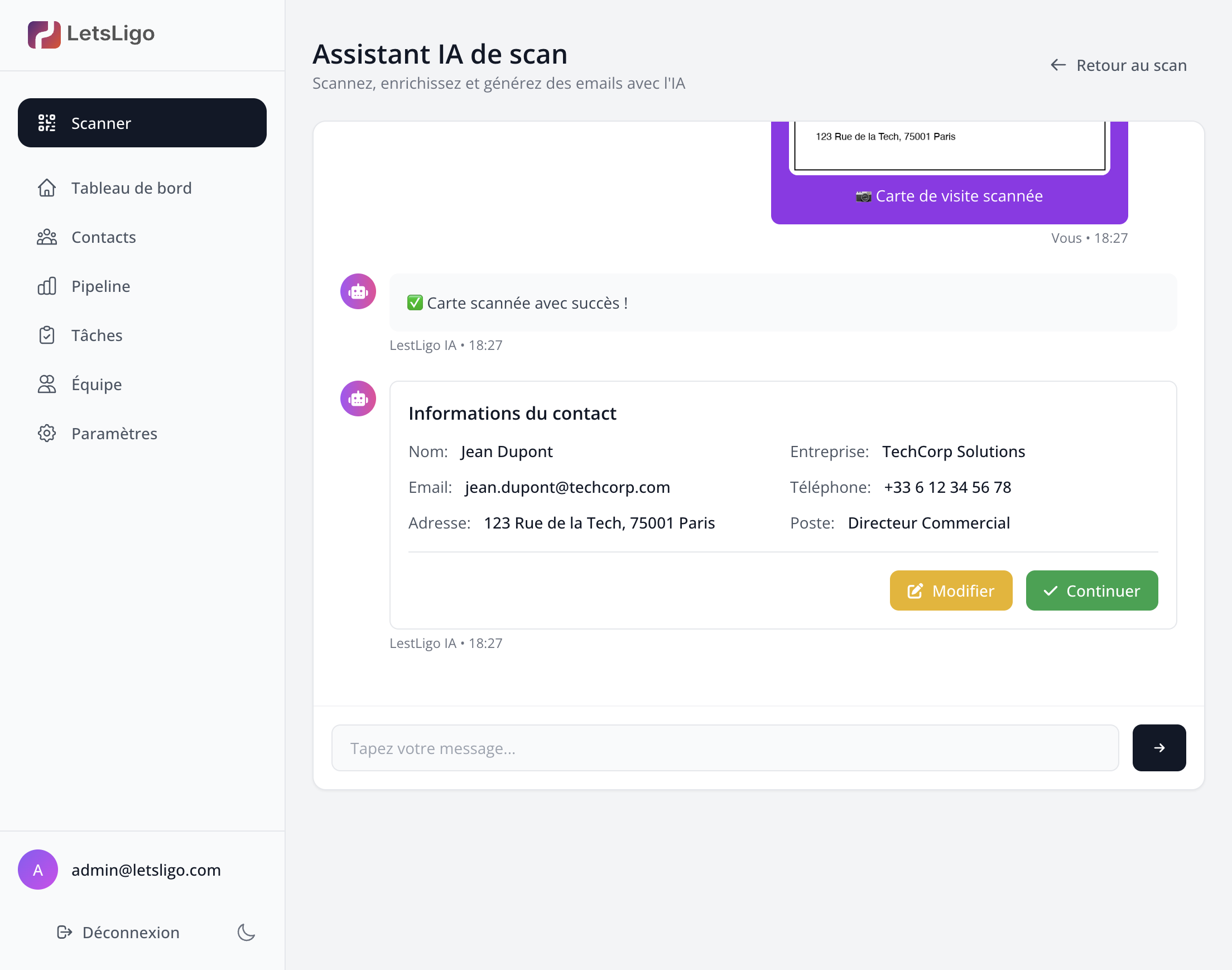
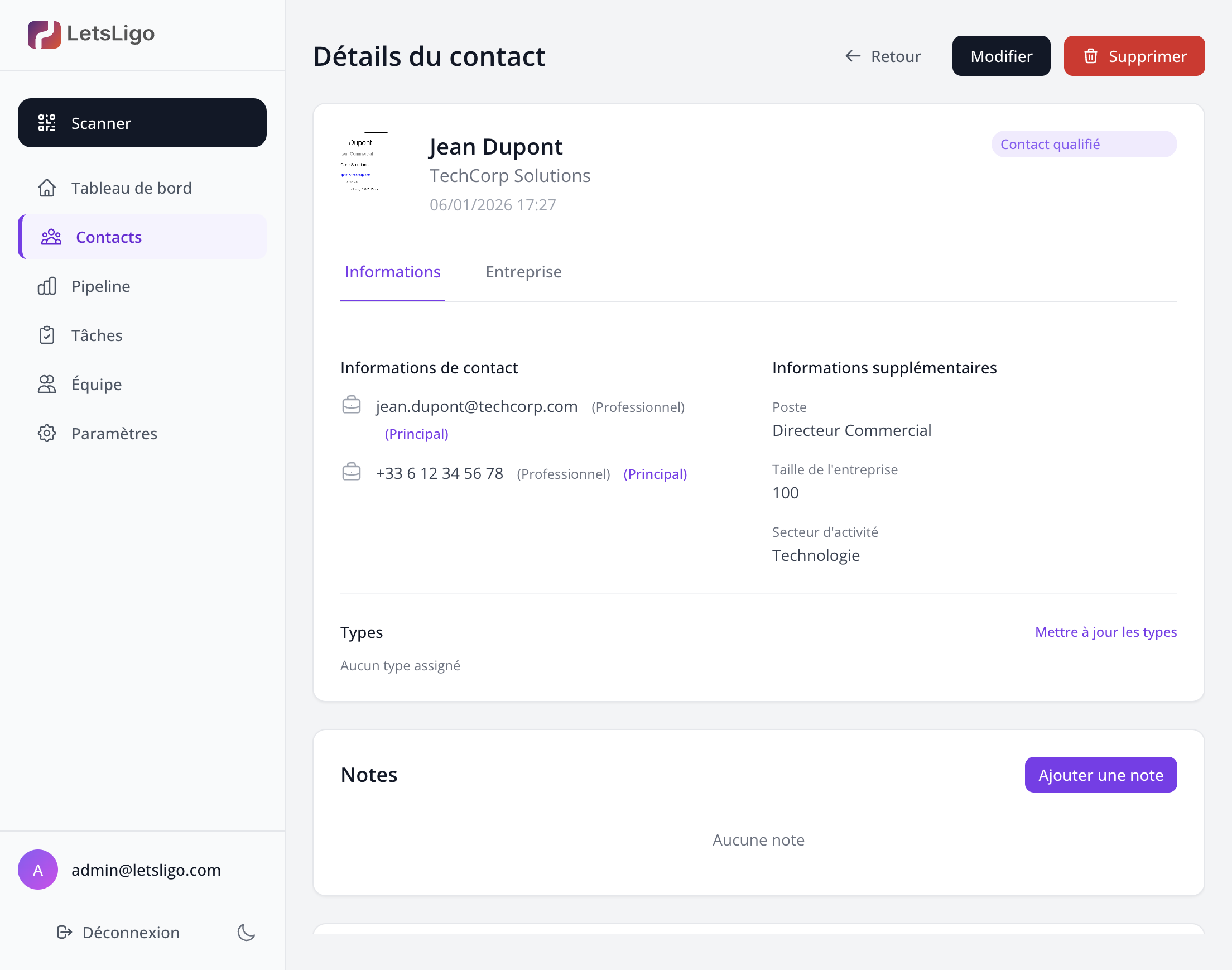
3. Enriched contact
The assistant automatically enriches the contact with complementary data found on the internet (LinkedIn, website, etc.). The process runs without any prior question.
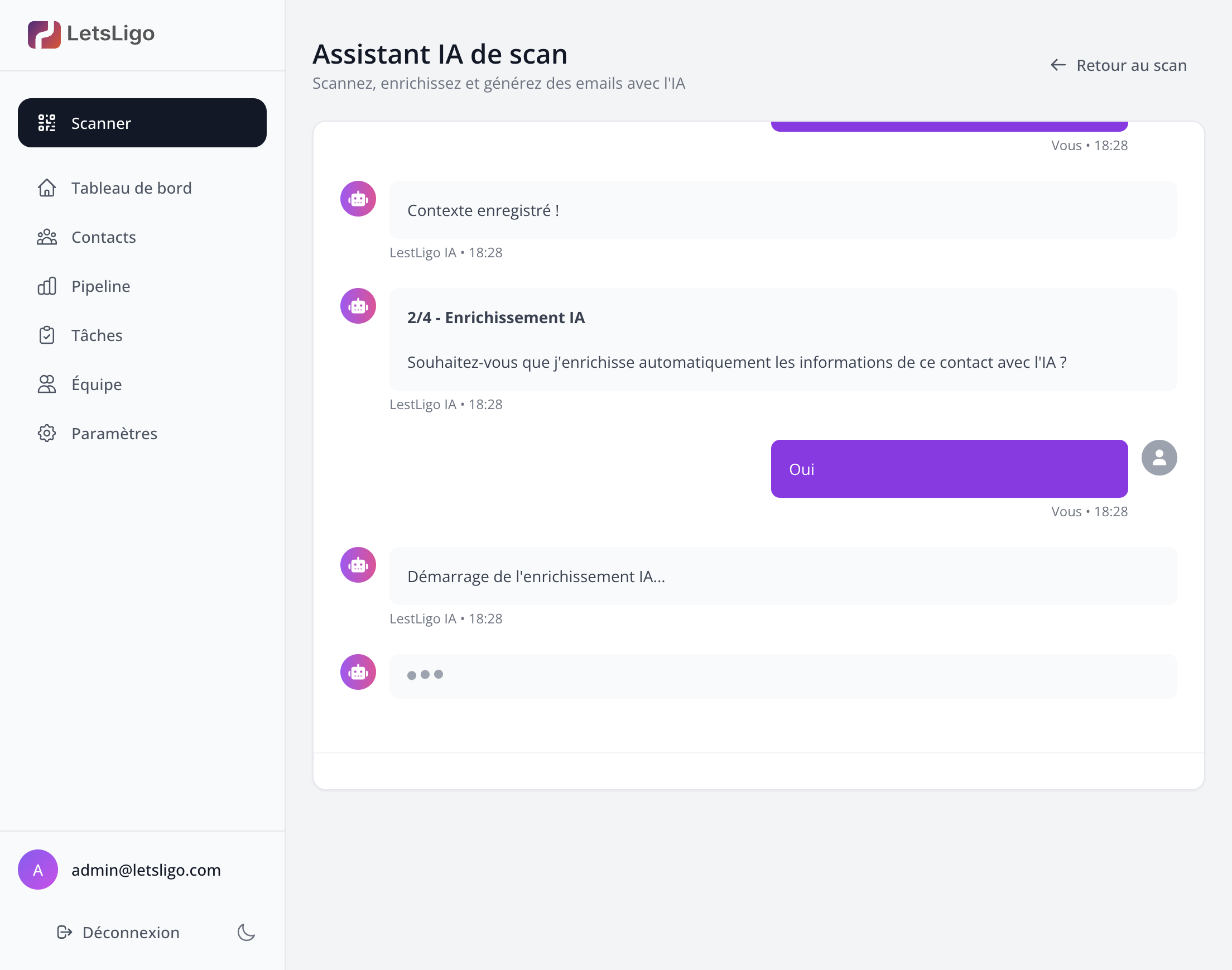
4. CRM addition (automatic)
Like enrichment, CRM addition is automatic. The contact is synced to all your active connectors (Google Contacts, HubSpot, Odoo) without any prior question.
5. Email generation
The assistant offers to generate a personalized email for this contact. You can customize the content before sending.
6. Generated email
The email is automatically generated by the AI taking into account the context of your meeting and your company information.
7. Email sent
Once the email is sent, the assistant confirms the sending and suggests the next steps.
8. Finalization
The process ends with a summary of the actions performed. The contact is now in your CRM and ready to be followed up.
Quick Suggestions
The assistant offers quick suggestions to speed up the process. You can click on these suggestions instead of typing your answer.
Advantages
The Chat Wizard makes the scanning process more intuitive and guided, ideal for new users or those who prefer a conversational approach. It guides you from A to Z in transforming a business card into a professional opportunity.