CRM Pipeline Configuration
The CRM pipeline allows you to organize your contacts according to the stages of your sales or follow-up process.
Availability
The CRM pipeline is only available with Pro and Expert plans.
Default Stages
LetsLigo offers default stages that you can customize:
- New Contact
- Qualified Contact
- Engaged
- Opportunity
- Client
- Retention / Expansion
- Lost / Dormant
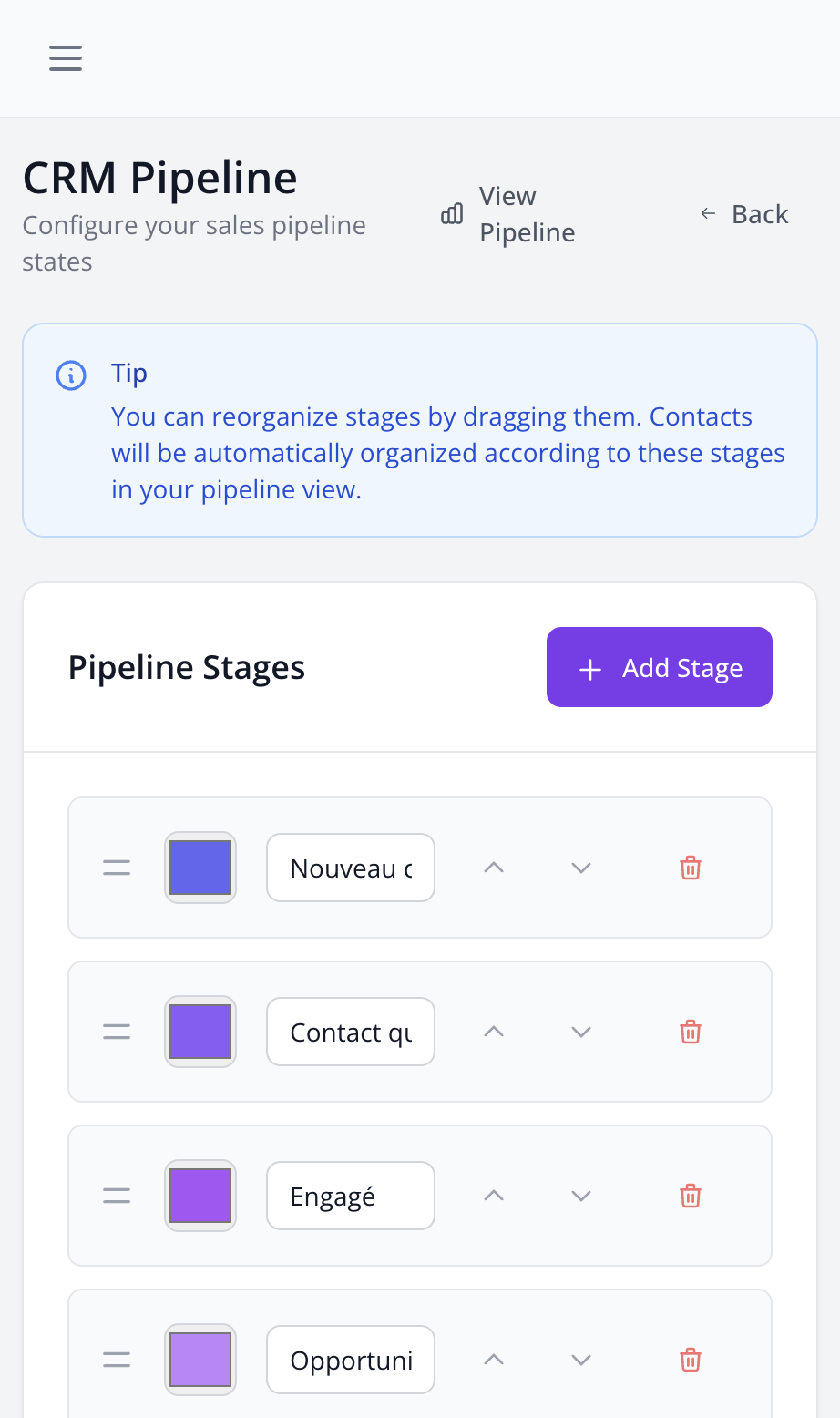
Customize Your Pipeline
- Go to Settings > CRM
- In the "CRM Pipeline" section, click on "Add Stage"
- Give your stage a name
- Choose a color to identify it visually
- Reorder stages by drag and drop
Usage
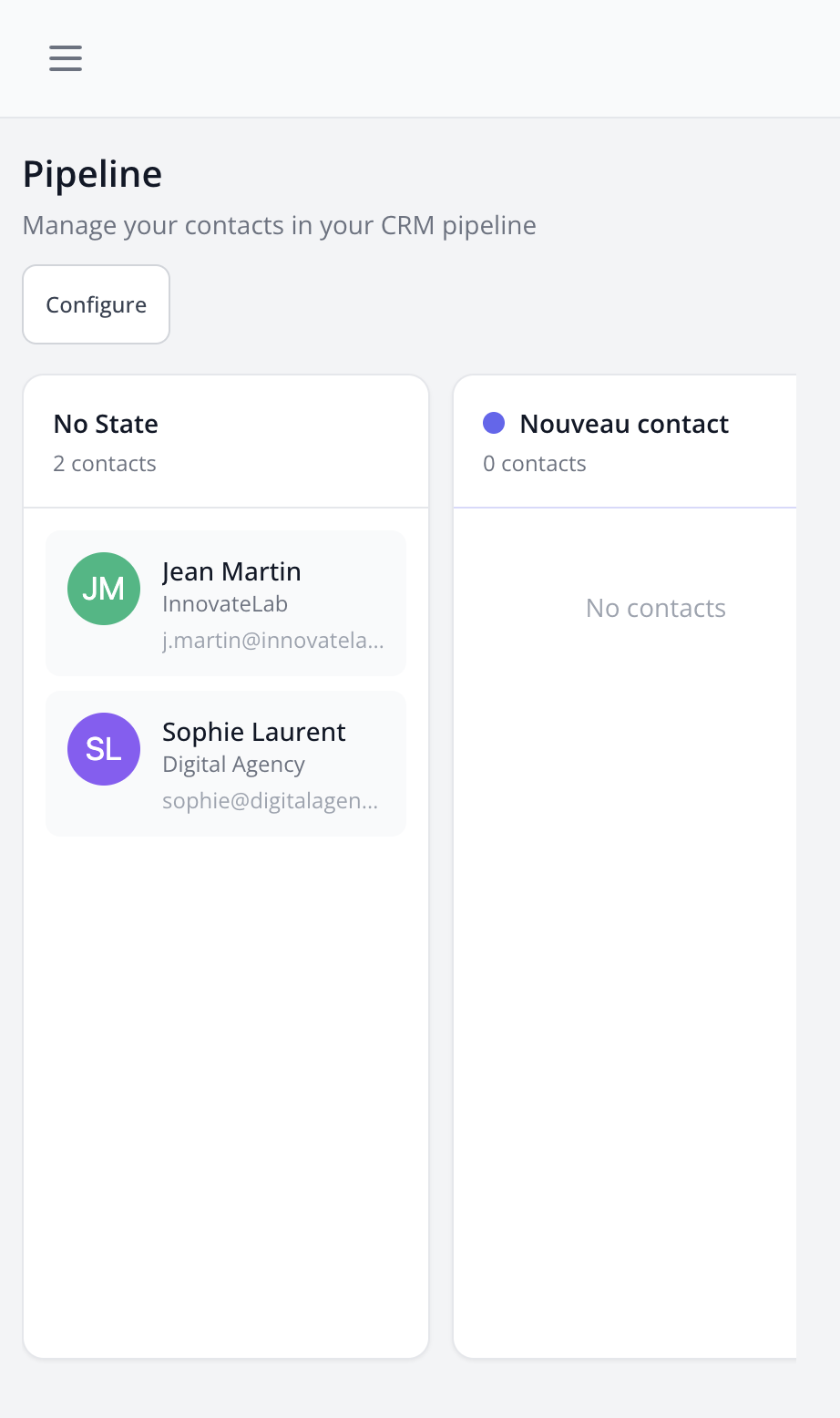
Once configured, you can:
- See your contacts organized by stage in the Pipeline view
- Move a contact from one stage to another
- Track your contacts' progress
Tips
Create a pipeline that matches your actual sales process. Too many stages can complicate tracking, too few can lack precision.