Contact Management
The Contacts page allows you to view, organize, and manage all your scanned contacts.
Overview
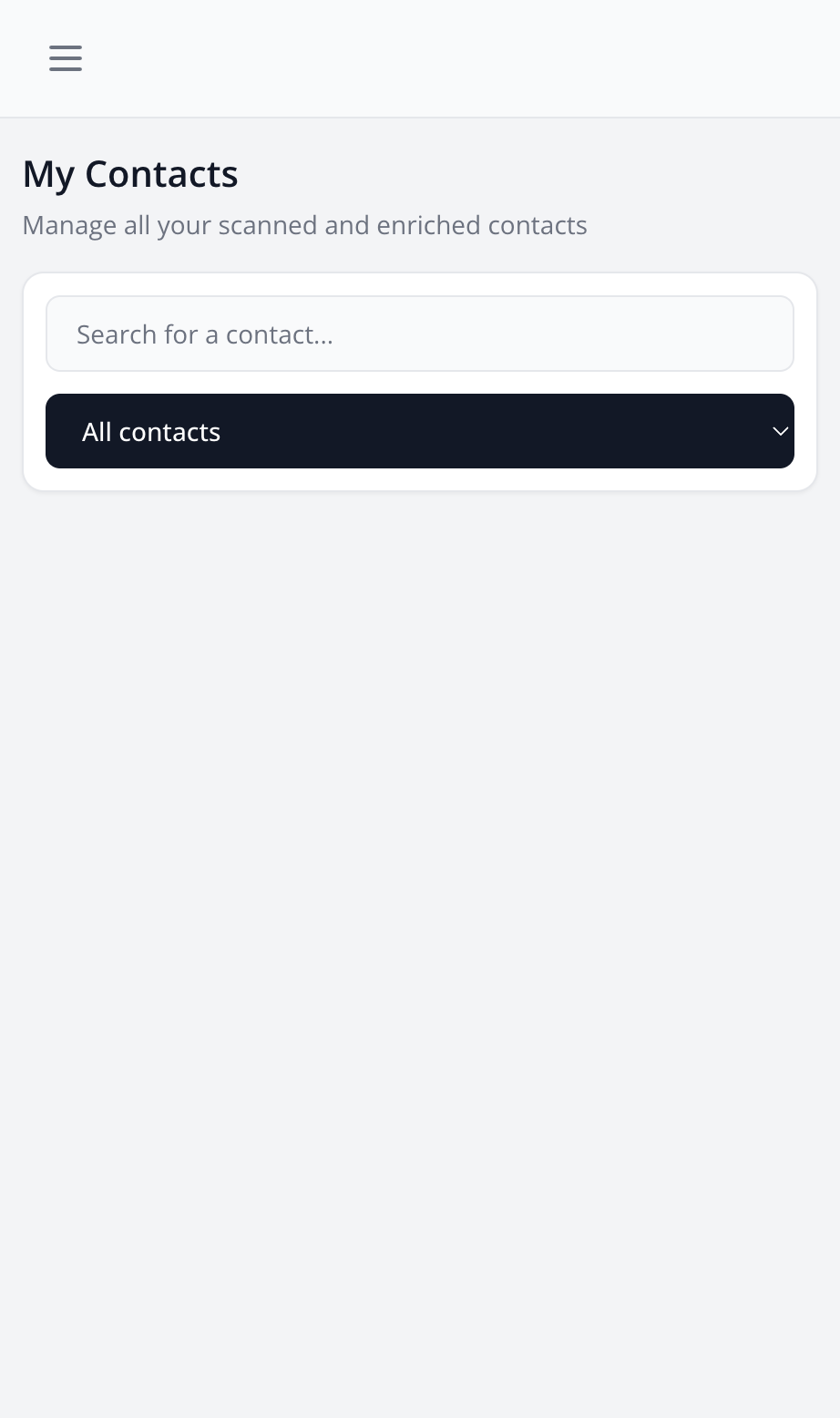
On the Contacts page, you can see:
- The list of all your contacts
- Main information (name, company, email address(es) and phone number(s) — several per contact are supported)
- Status in the CRM pipeline
- Associated tags
Available Actions
- View Details: Click on a contact to see all their information
- Edit: Edit a contact's information
- Delete: Delete a contact (irreversible action)
- Change Pipeline Status: Move a contact from one stage to another in your CRM pipeline
CRM Pipeline Filters
The available filters correspond to the stages of your configured CRM pipeline. The dropdown menu displays:
- All Contacts: Shows all your contacts without any filter
- Your Pipeline Stages: Each stage configured in your pipeline becomes an available filter
For example, if your pipeline contains "New Contact", "Qualified Contact", "Client", etc., these options will appear in the filter menu.
Note: To customize filters, configure your CRM pipeline in settings (Pro and Expert plans only).
Search
Use the search bar to quickly find a contact by name, company, or email. Search works in real-time and can be combined with pipeline filters.